Architecture decisions
eventcatalog@3.42.0Architecture decision records (ADRs) capture why your team made a particular design choice. In EventCatalog, ADRs are first-class resources that live alongside services, events, domains, and flows.
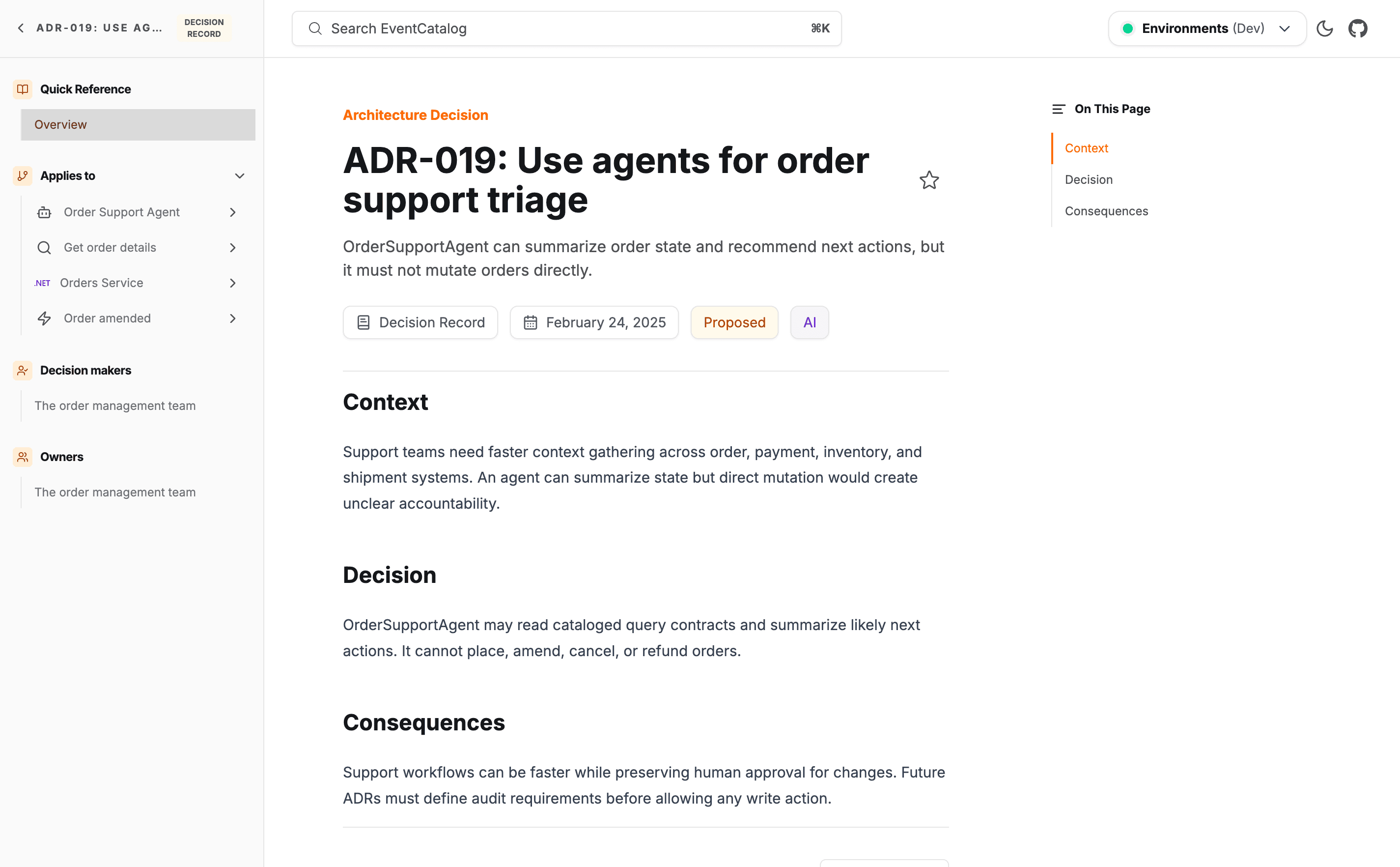
See an example ADR in the demo catalog →
Why document decisions?
Architectural choices are often made once and then forgotten. When a new engineer joins or a design is revisited months later, the reasoning behind past decisions is usually lost.
Documenting ADRs in your catalog gives your team:
- Context — anyone can see what alternatives were considered and why a particular path was chosen.
- Traceability — decisions are linked directly to the services, events, domains, and flows they affect via
appliesTo. - Lifecycle tracking — each ADR has a status (
proposed,accepted,rejected,deprecated,superseded) so it is clear which decisions are still in force. - AI-ready context — because ADRs sit alongside the resources they govern, the EventCatalog MCP server can surface the why behind your architecture to AI assistants, not just the what. When an LLM is reasoning about a service or event, it picks up the decisions, trade-offs, and constraints recorded in your ADRs.
Lifecycle statuses
Every ADR must declare a status field. The available values are:
| Status | Meaning |
|---|---|
proposed | Under discussion, not yet accepted |
accepted | In force |
rejected | Considered and deliberately not adopted |
deprecated | Was accepted but is being phased out |
superseded | Replaced by a newer decision |
EventCatalog renders a colored badge for each status and shows a warning banner on deprecated and superseded pages so readers are directed to the current decision.
Where ADRs live
ADRs can be placed in any adrs folder in your catalog. This lets you keep them at the root level or colocate them with a specific domain.
adrs/
  choose-kafka/
    index.mdx
domains/
  Orders/
    adrs/
      event-driven-orders/
        index.mdx
Finding ADRs
ADRs appear on the discover page alongside services, events, domains, and flows. You can search, filter, and browse them the same way you would any other resource.
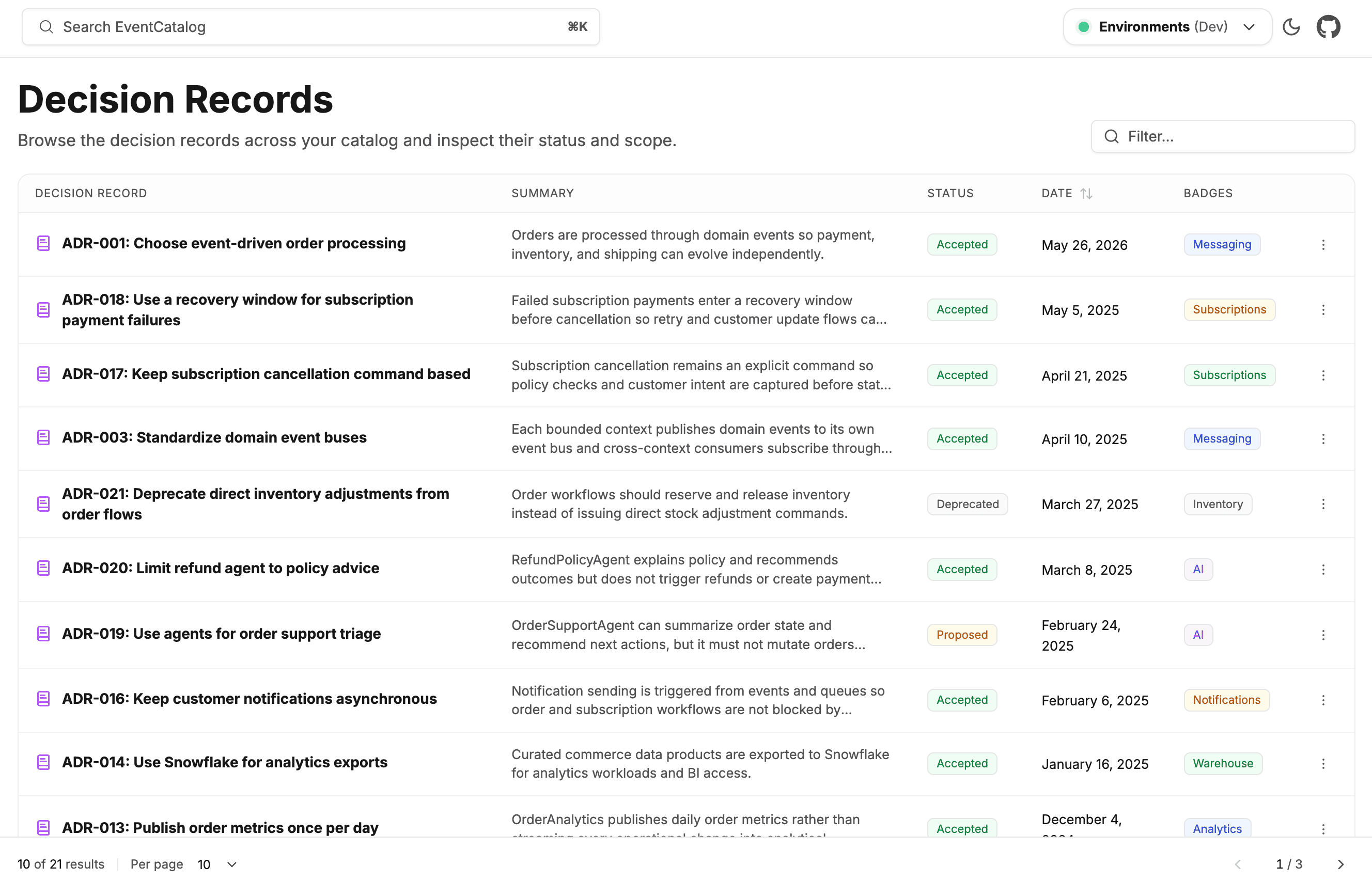
Explore decision records in the demo catalog →
Linked resources also surface their related ADRs in the sidebar under Decision Records, so engineers reading a service or event page can immediately see which architectural decisions affect it.