Getting a license key for integrations
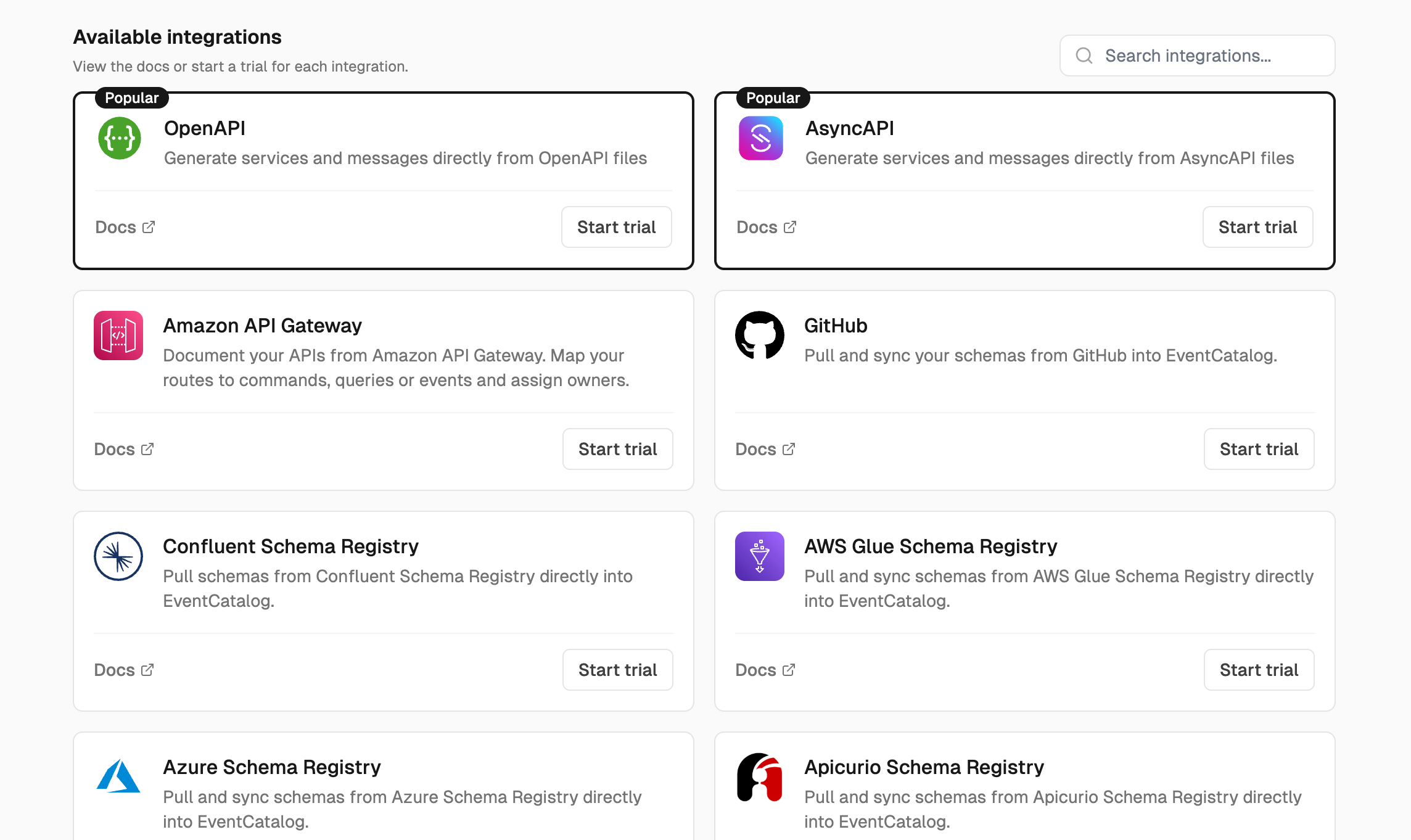
EventCatalog integrations (sometimes called plugins) let you generate your catalog from sources you already have — OpenAPI specs, AsyncAPI documents, Backstage, federated catalogs, and more. You can see the full list on the integrations page.
Official integrations are included with EventCatalog Scale. Start Scale from your EventCatalog Cloud dashboard and use your Scale license key to unlock supported integrations in your catalog.
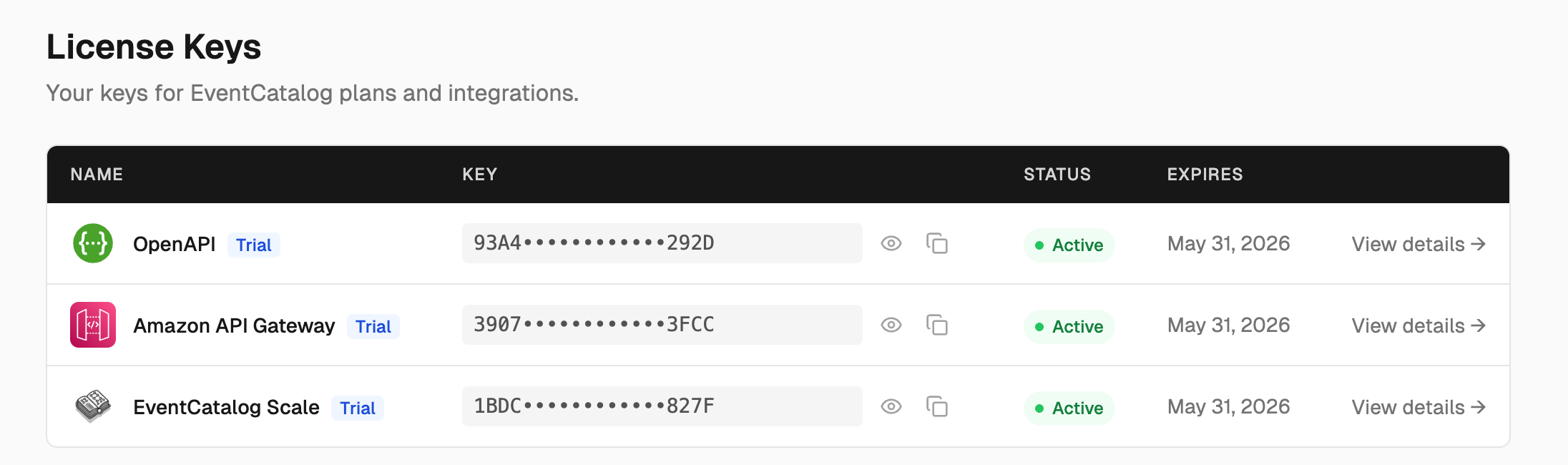
Once Scale is active, your license key appears on your API keys page:
Adding your Scale key to your catalog
Copy your Scale license key from your dashboard into your .env file:
EVENTCATALOG_SCALE_LICENSE_KEY=your-scale-license-key-here
Then configure the integration in your eventcatalog.config.js as described in the integration's documentation.
If you already have older plugin-specific API keys, you can still use them with the environment variables shown in each integration's documentation.
For example, the OpenAPI plugin supports:
EVENTCATALOG_LICENSE_KEY_OPENAPI=your-license-key-here
For new projects, use EVENTCATALOG_SCALE_LICENSE_KEY.
Trying multiple integrations
Scale includes all official integrations, so you can configure multiple integrations in the same catalog with the same Scale license key.
Need more time?
If 30 days isn't enough to evaluate Scale and integrations in your environment, email us at hello@eventcatalog.dev and we'll extend your trial.