Add ownership
In this step, you will add ownership to your catalog.
Ownership helps people understand who maintains a service or event, who to ask for help, and who should review changes.
In this chapter...
Here are the topics we'll cover
- Create the Commerce Platform Team.
- Assign the team to both services.
- Assign the team to OrderPlaced.
Create the team
Owners in EventCatalog can be teams or users. For this tutorial, you will create one team: Commerce Platform Team.
From the root of your catalog, create a teams folder:
mkdir -p teams
Create a new file at teams/commerce-platform-team.mdx:
---
id: commerce-platform-team
name: Commerce Platform Team
summary: |
  Owns the services and events that support customer ordering.
email: commerce-platform@example.com
---

## Overview

The Commerce Platform Team owns the systems that support customer checkout, ordering, and inventory coordination.
The important frontmatter fields are:
idis the stable identifier you will reference from other resources.nameis the label people see in EventCatalog.summaryexplains what the team owns.emailgives people a contact path.
You can learn more in the teams guide.
Assign the services
Open services/OrderService/index.mdx and add owners to the frontmatter:
---
id: OrderService
name: Order Service
version: 0.0.1
summary: |
  Handles customer orders from checkout through to fulfilment.
owners:
  - commerce-platform-team
sends:
  - id: OrderPlaced
    version: 0.0.1
---
Now open services/InventoryService/index.mdx and add the same owner:
---
id: InventoryService
name: Inventory Service
version: 0.0.1
summary: |
  Tracks stock levels and reserves inventory for customer orders.
owners:
  - commerce-platform-team
receives:
  - id: OrderPlaced
    version: 0.0.1
---
The owners list references the team id, not the display name.
Assign the event
Open services/OrderService/events/OrderPlaced/index.mdx and add the same owner:
---
id: OrderPlaced
name: Order Placed
version: 0.0.1
summary: |
  Raised when a customer places an order.
owners:
  - commerce-platform-team
schemaPath: schema.json
---
Assigning owners to events is optional, but useful when the event contract needs a clear team responsible for changes.
You can learn more in the messages reference and the service reference.
Check ownership in EventCatalog
Refresh EventCatalog and open OrderService.
You should see Commerce Platform Team listed as an owner of the service.
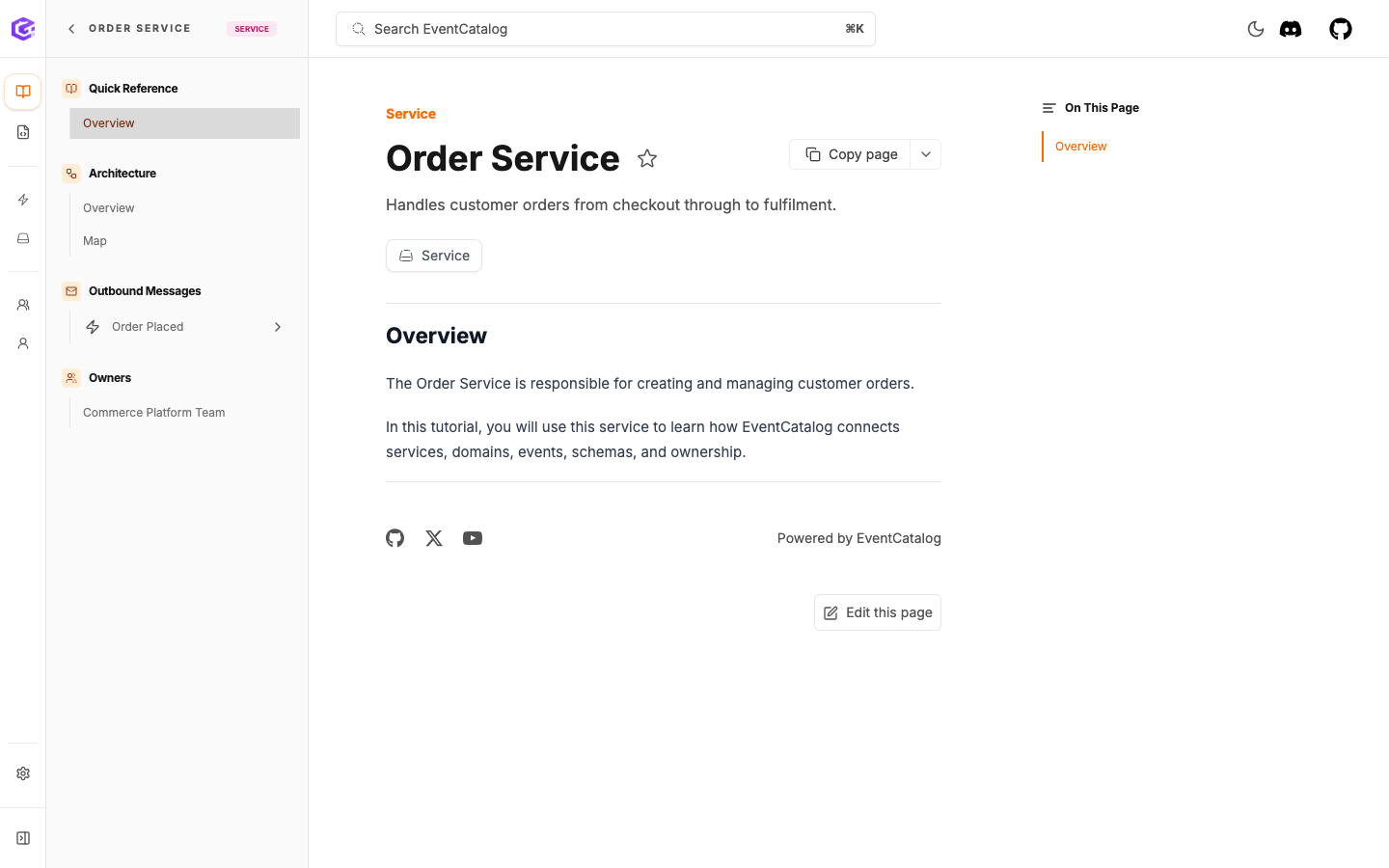
Order Service shows Commerce Platform Team as the owner.
Open OrderPlaced.
You should see the same team listed as the owner of the event. This tells people who maintains the event contract and who to contact before changing it.
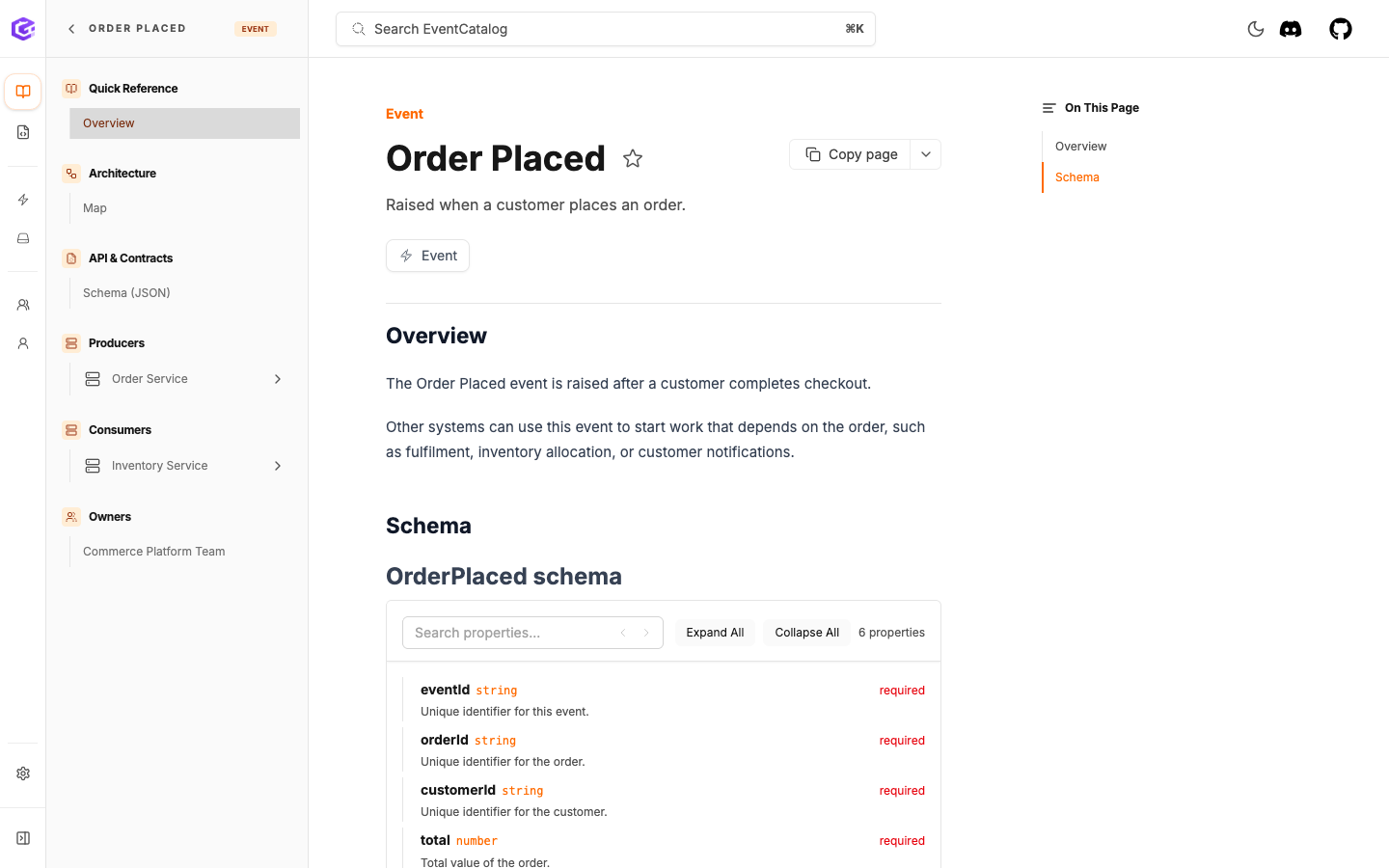
Order Placed shows its owner alongside its producers and consumers.
Open Commerce Platform Team from the team directory.
The team page gives people a central place to understand who owns this part of the architecture.
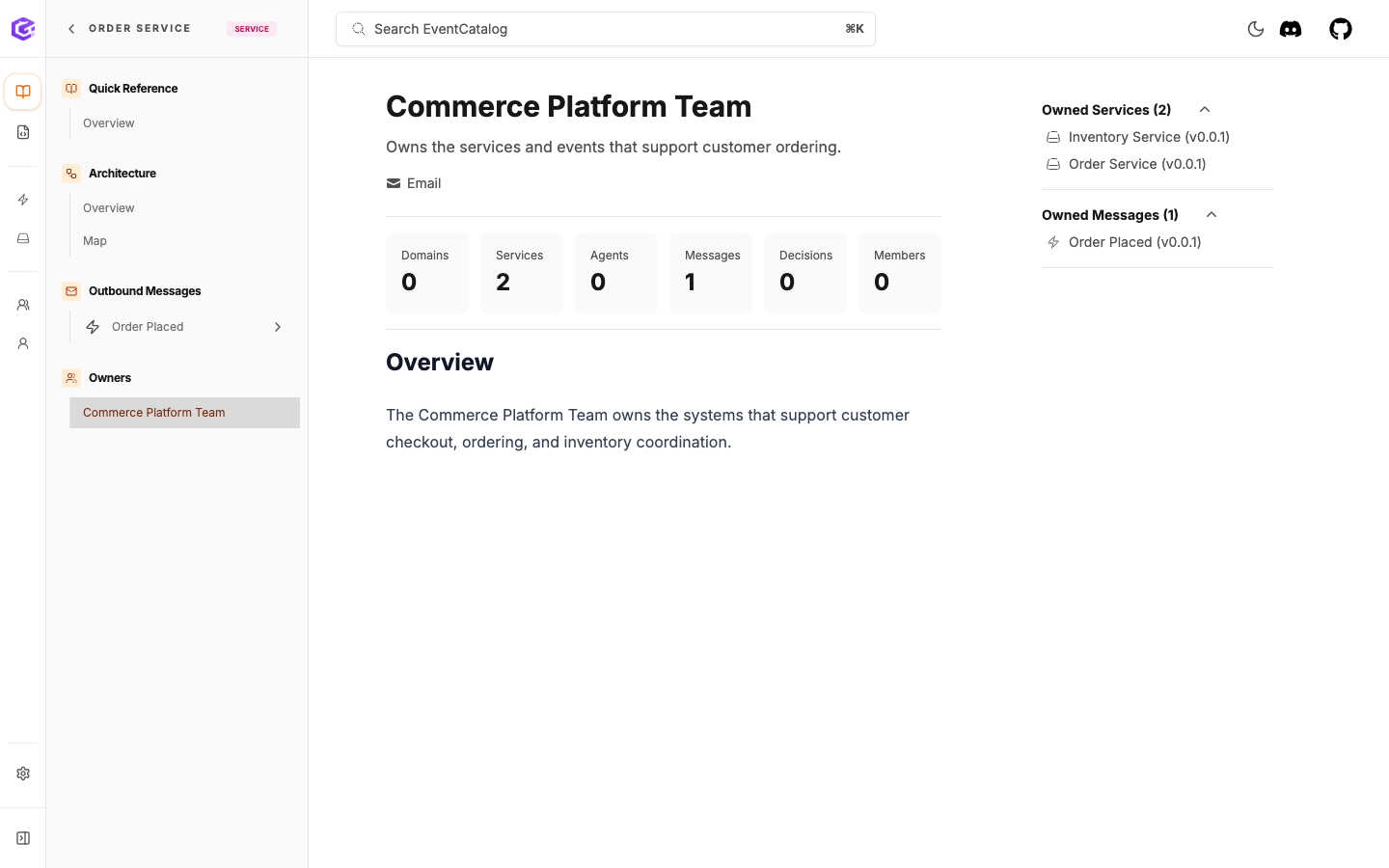
The team page lists the services and messages owned by Commerce Platform Team.
What you have now
Your catalog now has a first ownership model:
- a team page
- owned services
- an owned event
- a clear contact path for the team
Next
Continue to Create a domain.