Create an agent
Agents document AI-powered capabilities in your architecture. Use them for assistants, autonomous workers, copilots, review agents, or any LLM-backed component that can reason over data, call tools, receive messages, or send messages.
You can also add model metadata, tools, messages, and data stores to your agents.
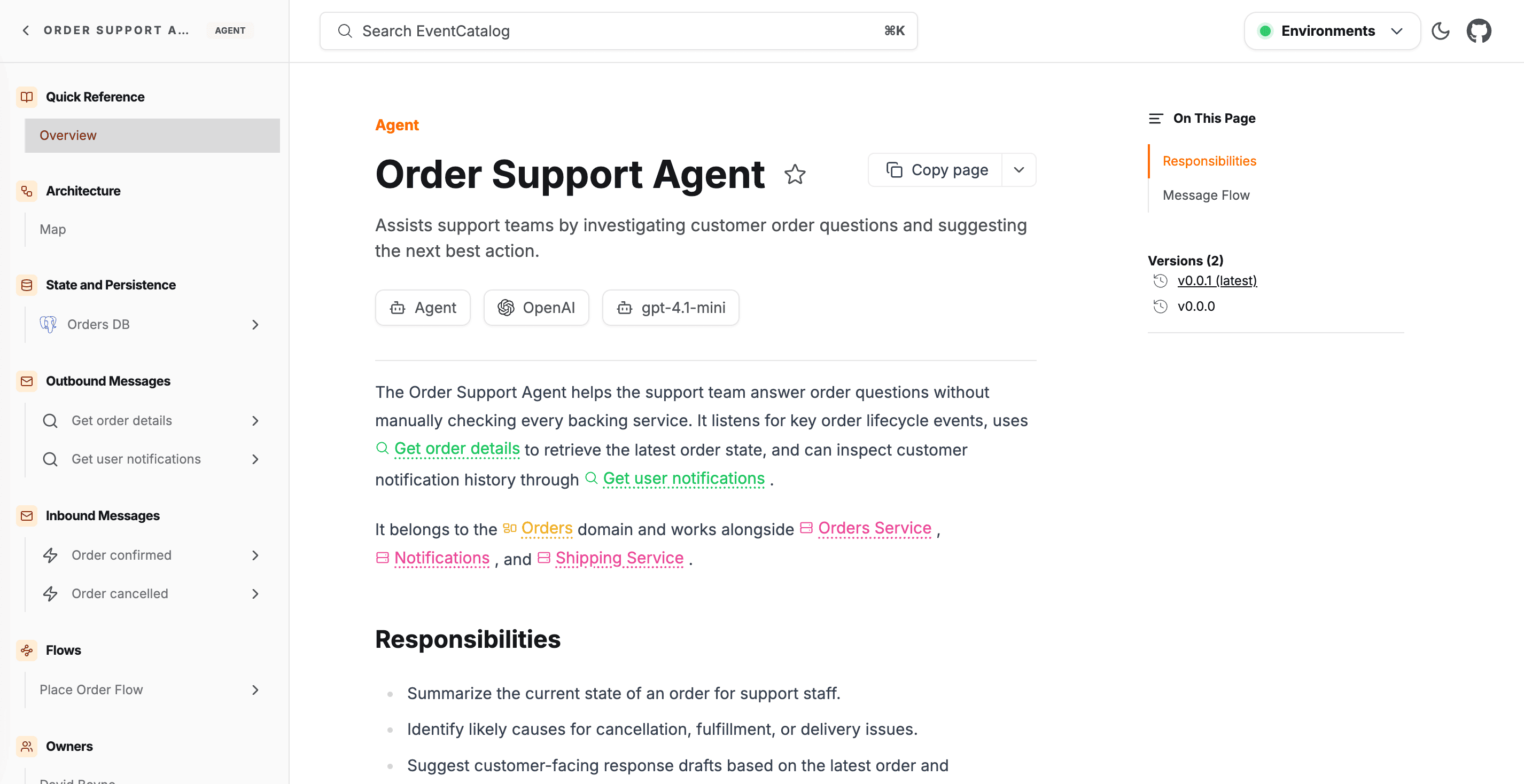
Adding a new agent
Automatic Creation
Copy this prompt and paste it into your coding agent. Your agent can help you choose where the agent should live, create the right folder structure, and add the first version of the agent documentation.
Manual Creation
Agents can live at the root of your catalog or inside a domain.
Create a new folder for the agent with an index.mdx file.
If the agent belongs to a domain, keep it inside that domain:
You can also place agents inside a subdomain when the agent belongs to a more specific business boundary.
Create the agent file
Create an index.mdx file for the agent.
Here is an example of what an agent markdown file may look like.
---
# id of your agent, used for slugs and references in EventCatalog.
id: FraudReviewAgent

# Display name of the Agent, rendered in EventCatalog
name: Fraud Review Agent

# Version of the Agent
version: 0.0.1

# Short summary of your Agent
summary: |
  Reviews risky payments, explains fraud signals, and recommends whether payment processing should continue.

# Optional owners, references teams or users
owners:
    - dboyne

# Optional model metadata describing the LLM this agent runs on
model:
  provider: OpenAI
  name: gpt-4.1
  version: "2025-04-14"

# Optional external tools the agent can call
tools:
  - name: Risk profile lookup
    type: mcp
    icon: /icons/tools/datadog.svg
    url: https://mcp.example.com/fraud/risk-profile
    description: Retrieves transaction anomaly, device fingerprint, and fraud model signals.

# Optional messages this agent receives and its version
receives:
  - id: PaymentInitiated
    version: 0.0.1

# Optional messages this agent sends and its version
sends:
  - id: FraudReviewCompleted
    version: 0.0.1

# Optional data stores this agent reads from
readsFrom:
  - id: fraud-analytics-db
    version: 0.0.1

# Optional badges, rendered to UI by EventCatalog
badges:
    - content: AI Agent
      backgroundColor: purple
      textColor: purple
---

## Overview

The Fraud Review Agent reviews risky payment attempts before they continue through the payment gateway.

<NodeGraph />

## Tools

<AgentTools />
Attaching an agent to a domain
To associate an agent with a domain, add its id to the agents array in the domain's frontmatter:
---
id: Payment
name: Payment Domain
version: 0.0.1
agents:
  - id: FraudReviewAgent
    version: 0.0.1
services:
  - id: PaymentService
    version: 0.0.1
---
EventCatalog will show the agent in the domain sidebar and include it in the domain visualiser.