Create a service
A service is an implementation resource. It might be an API, worker, backend service, frontend application, or other deployable component.
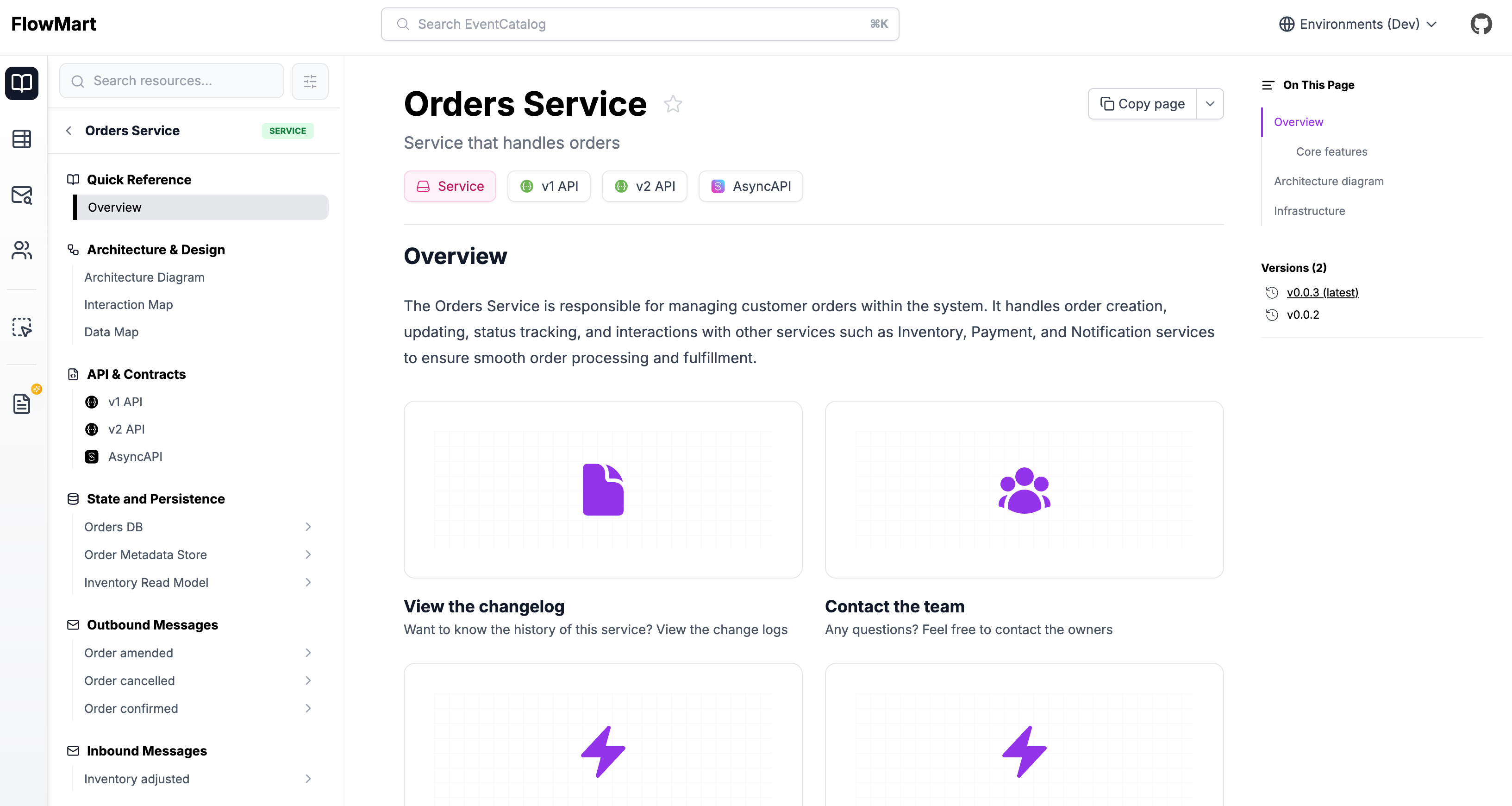
Adding a new service
Automatic Creation
Copy this prompt and paste it into your coding agent. Your agent can help you choose where the service should live, create the right folder structure, and add the first version of the service documentation.
Manual Creation
Services can live at the root of your catalog, inside a domain, inside a system, or inside a system that belongs to a domain.
Create a new folder for the service with an index.mdx file.
If the service belongs to a domain, keep it inside that domain:
Services can also live inside systems:
Here is an example of what a service markdown file may look like.
---
# id of your service, used for slugs and references in EventCatalog.
id: Orders

# Display name of the Service, rendered in EventCatalog
name: Orders

# Version of the Service
version: 0.0.1

# Short summary of your Service
summary: |
  Service that contains order related information

# Optional owners, references teams or users
owners:
    - dboyne

# Optional messages this service receives and it's version
receives:
  - id: InventoryAdjusted
    version: 0.0.3

# Optional messages this service sends and it's version
sends:
  - id: AddInventory
    version: 0.0.3

# Optional flows associated with this service
flows:
  - id: OrderProcessing
    version: 1.0.0

# Optional badges, rendered to UI by EventCatalog
badges:
    - content: New service
      backgroundColor: blue
      textColor: blue
---

## Overview

This orders service gives API consumers the ability to produce orders in the systems. Events are raised from this system for downstream consumption.

<NodeGraph />
Adding content
With services you can write any Markdown you want and it will render on your page. Every service gets its own page.
Within your markdown content you can use components to add interactive components to your page.