Comparing diagram versions
The diagram comparison feature allows you to view two versions of a diagram side-by-side, making it easy to understand architectural changes and evolution over time.
This can be useful if you want to plan for changes, or track changes over time.
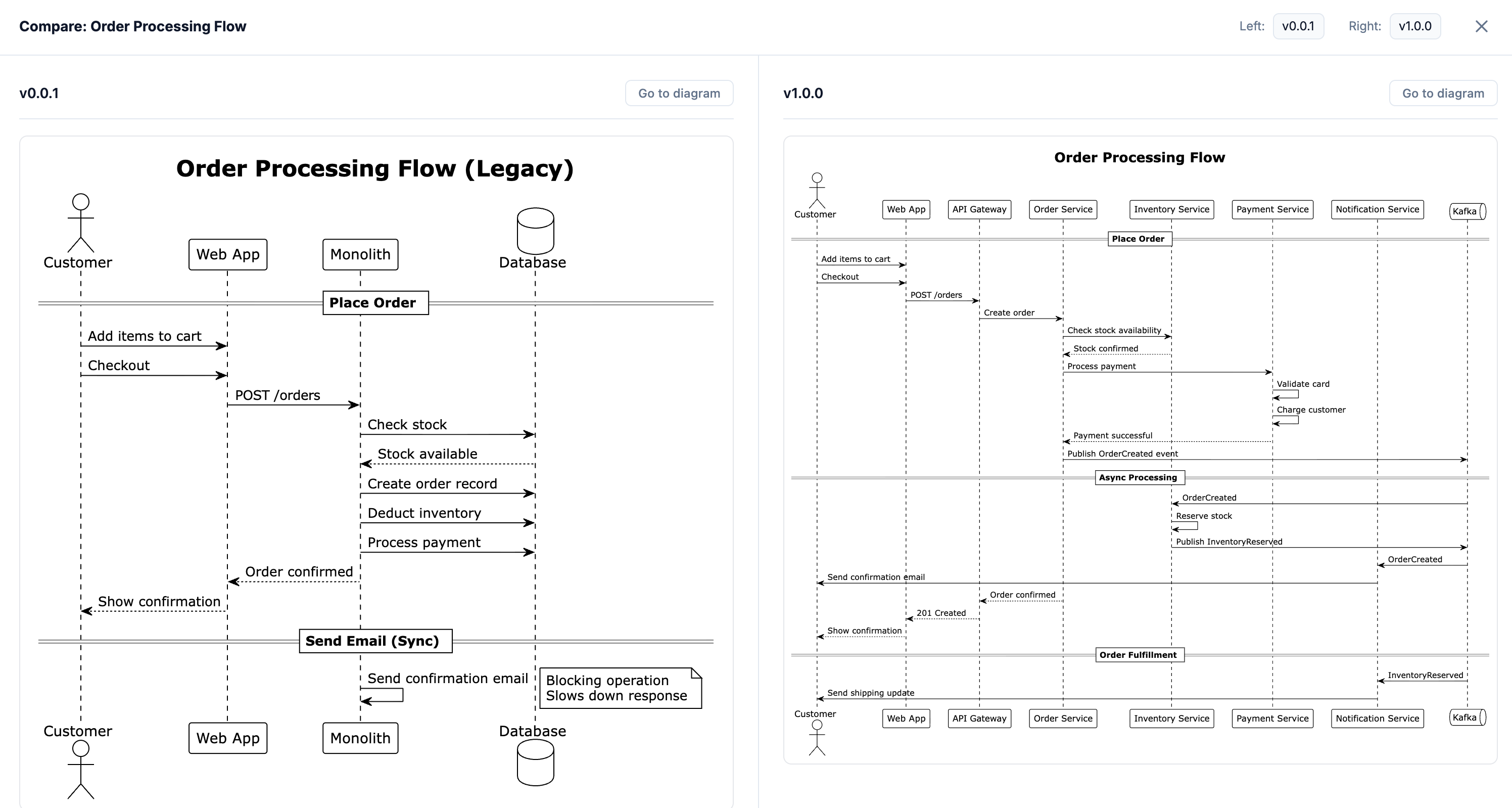
How to compare diagrams
- Navigate to any diagram page that has multiple versions
- Click the "Compare diagram versions" button in the header
- Select which two versions you want to compare
- View both diagrams side-by-side with synchronized scrolling