Create a query
A query documents a request for information. Use queries when one part of your architecture asks another part to return data without changing state (e.g GET request)
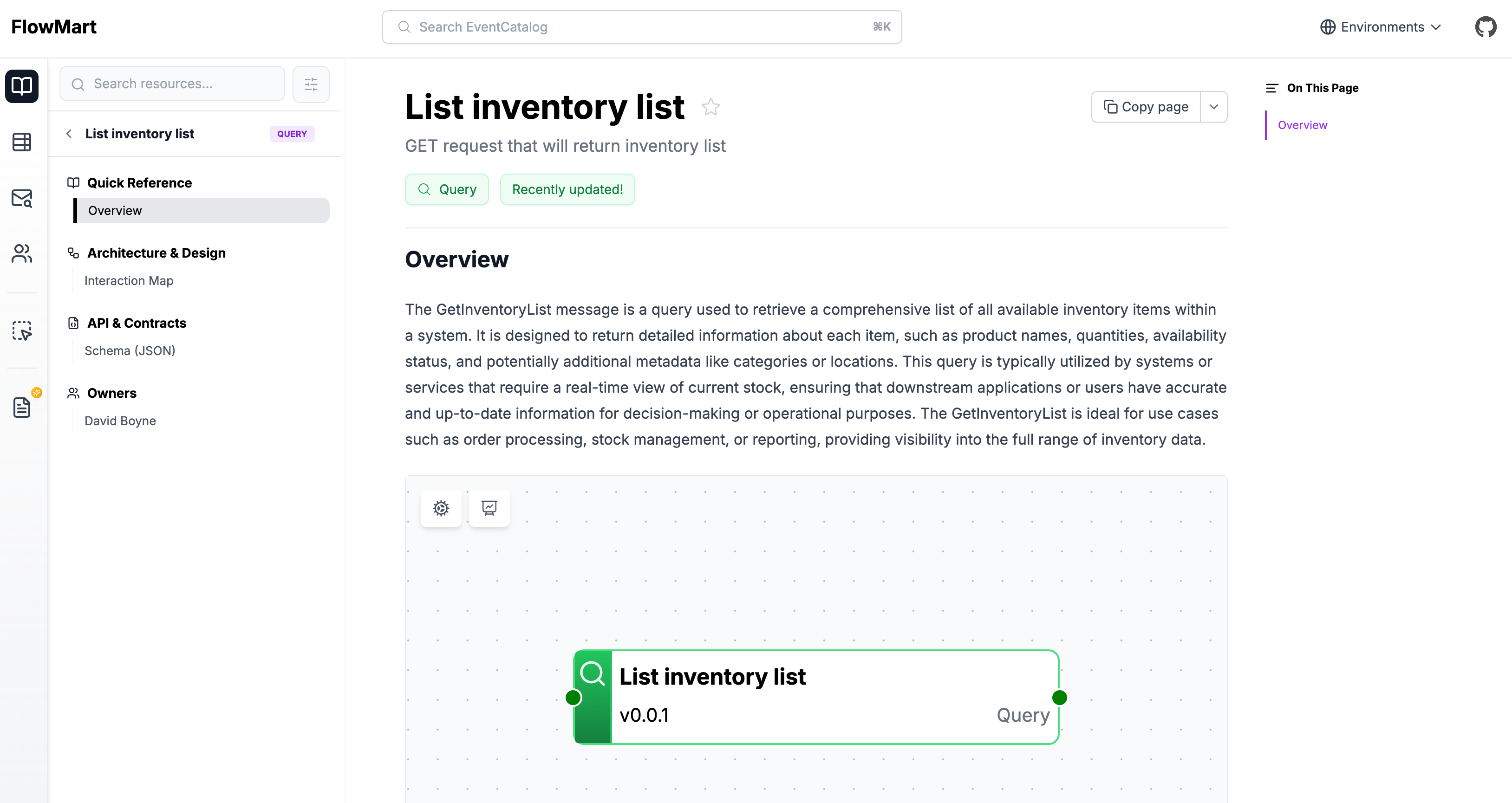
Adding a new query
Automatic Creation
Copy this prompt and paste it into your coding agent. Your agent can help you choose where the query should live, create the right folder structure, and add the first version of the query documentation.
Manual Creation
Queries live in a /queries folder. This folder can be placed:
- At the root of your catalog
- Inside a specific service folder
The contents are split into two sections, frontmatter and the markdown content.
Here is an example of what a query markdown file may look like.
---
# id of your query, used for slugs and references in EventCatalog.
id: GetOrder

# Display name of the query, rendered in EventCatalog
name: Get Order

# Version of the query
version: 0.0.4

# Short summary of your query
summary: |
    Query with the intent to get an order from the system

# Optional owners, references teams or users
owners:
    - dboyne

# Optional badges, rendered to UI by EventCatalog
badges:
    - content: New service
      backgroundColor: blue
      textColor: blue
---

## Overview

The `GetOrder` query represents intent to get an order from the system.

<NodeGraph />
Once this file is added, the query will automatically appear across EventCatalog.
Assign services to your queries
To add services that invoke or accept your query you can read the guide on adding messages to services.
You can also assign your query to one or more channels (e.g HTTP, GraphQL, etc).
eventcatalog@3.18.0Document an HTTP operation
If your query maps to an HTTP endpoint, use the operation field to document the method, path, and expected status codes.
---
id: GetOrder
# ...
operation:
  method: GET
  path: /orders/{id}
  statusCodes:
    - "200"
    - "404"
---
When defined, the visualiser shows an HTTP method badge, the API path, and colored status code pills on the query node. See the messages reference for all available options.
Adding schemas to your query
You can add any schema format to your query, you can read the guide on adding schemas to messages.