Add services to domains
A service is an implementation resource. It might be an API, worker, backend service, frontend application, or other deployable component. A service can produce/consume messages or implement an API specification (e.g OpenAPI, AsyncAPI, GraphQL).
Adding services to your domains is a great way to group services within a particular domain.
When adding services to your domain EventCatalog will:
- Show the services in the domain sidebar
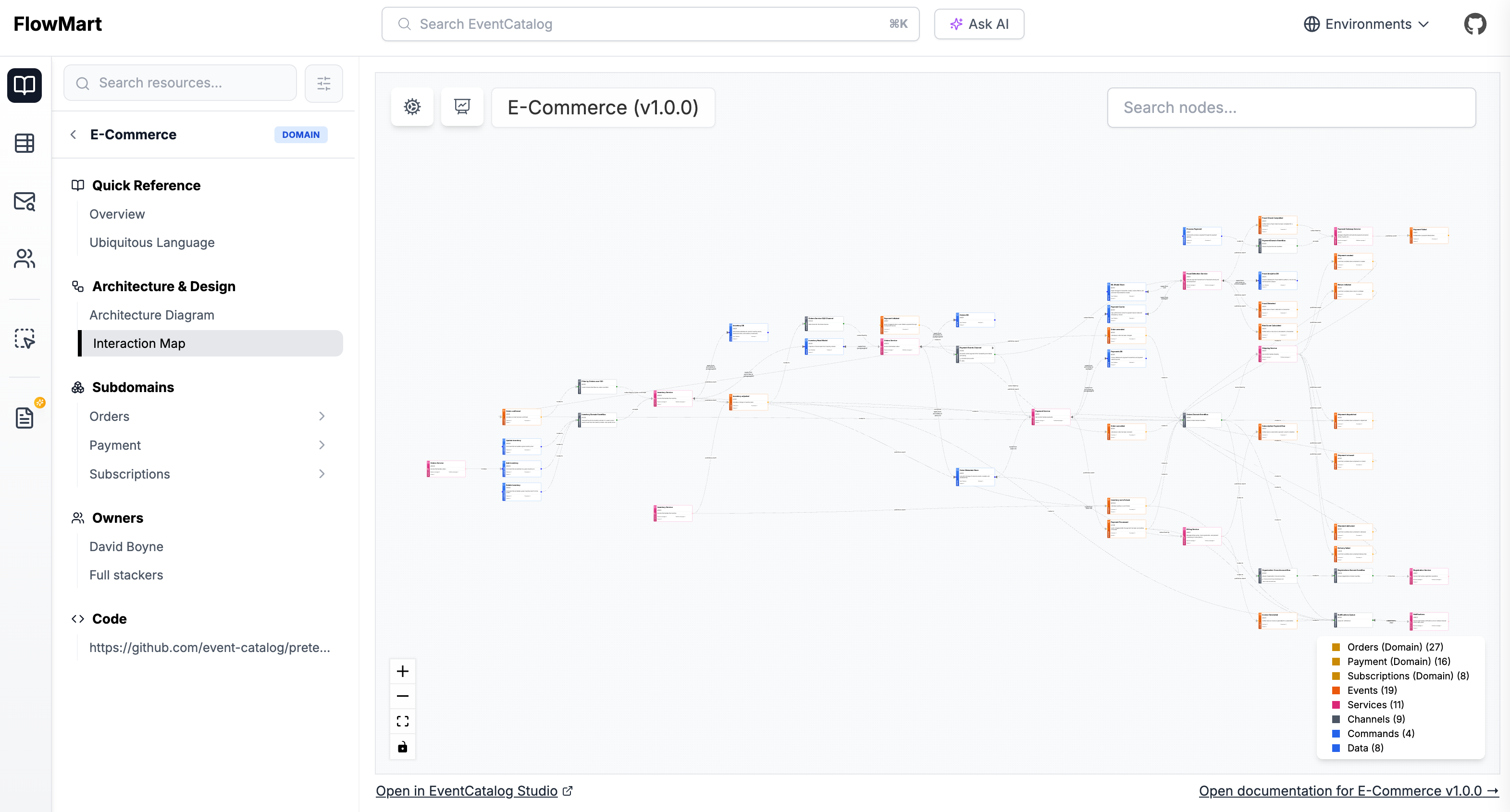
- Visualize all the services within that domain using the visualizer
Adding services using frontmatter
To add services within a domain you need to add them to the services array within your domain frontmatter API.
---
id: PaymentDomain
... # other domain frontmatter
services:
    # id of the service you want to add
    - id: PaymentsService
    # (optional) The version of the service you want to add.
      version: 0.0.1

    # Note: version is optional. If no version is given the latest version of the service will be used.
    - id: NotificationsService
---

<!-- Markdown content... -->
The services frontmatter in your domain tells EventCatalog that these documented services belong to this domain.
In the example above we can see that the services PaymentsService and NotificationsService belong to the PaymentDomain.
Using semver versioning
eventcatalog@2.4.0You can also use semver to match the version of the service you want to add.
Example of using semver versioning
---
id: PaymentDomain
... # other domain frontmatter
services:
  # Latest minor version of PaymentsService will be added
  - id: PaymentsService
    version: 0.x.1
  # Minor and patches of this version will be linked
  - id: NotificationsService
    version: ^1.0.1
  # Latest version of this service will be shown by default.
  - id: PaymentsService
---

<!-- Markdown contents... -->
Although it's recommended to link to a version of a service it is now optional. If no version is given latest is used by default.
Visualizing services within a domain
When you view your domain in EventCatalog, the services will be visualized for you.